
Stop Hitting Rate Limits in Claude Code
Most developers who hit Claude Code rate limits think the fix is upgrading. Most of the time, a few workflow changes stretch the same quota further.
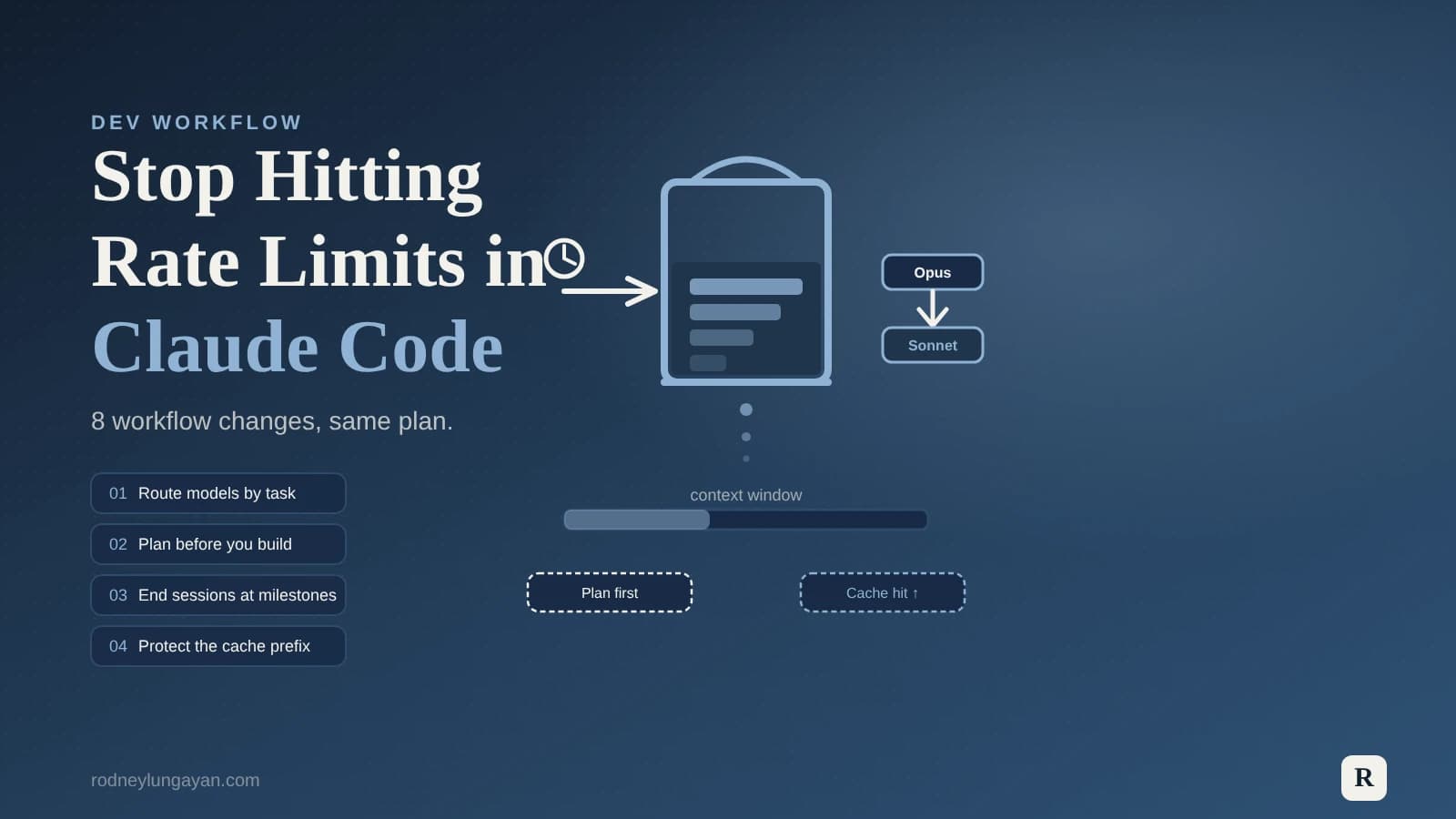
Most developers who hit Claude Code rate limits think the fix is upgrading to a bigger plan. Sometimes it is. But most of the time, the real issue is how the tool is being used — and a few workflow changes can stretch the same quota two or three times further.
Here is what I learned about Claude Code rate limits and how I adjusted my daily workflow to get much more out of the same plan.
1. Understand why Claude Code burns tokens so fast
Claude Code is not a chatbot. Every command it runs starts a multi-turn conversation that carries the full session history, file contents, tool-use calls and their responses. A typical chat message might use a few thousand tokens. A Claude Code session where you lint, fix, and test a file can easily use ten to fifty times that — and the bill grows with every subsequent command because the context window accumulates.
A single "fix this bug" can trigger several internal API calls: read the file, propose the edit, run a test, re-read the result. Each of those is a separate call counted against your requests-per-minute limit. That is why the dashboard might show 6% of your daily quota used while you are still hitting per-minute throttles.
Knowing this changes how you plan your sessions.
2. Pick the right model for the right job
The biggest single lever is model selection. Opus is slower and heavier. Sonnet handles the bulk of everyday coding tasks just as well, at a fraction of the quota cost.
A good split looks like this:
- Plan and architecture decisions: use Opus or extended thinking. This is where the reasoning depth pays off.
- Routine implementation: use Sonnet. Refactoring, writing tests, adding fields to a form, fixing linting errors.
- Short, targeted tasks (writing a docblock, renaming a variable across a file): Haiku or Sonnet.
On the Max plan, automatic model switching handles some of this for you — Max 5x drops from Opus to Sonnet at 20% usage, Max 20x at 50%. You can also switch manually with /model at any point. Just avoid doing it mid-session if you care about cache hit rates (more on that below).
3. Use Plan mode before every big task
Plan mode (Shift+Tab twice in the terminal) runs a planning pass before Claude writes a single line of code. It is the cheapest move in the workflow.
Planning on Opus or Sonnet produces a structured approach that a lighter model can then execute. Skipping it means more failed attempts, more re-reads, and a longer session — which all cost more tokens than the planning step would have.
I now start every non-trivial task in Plan mode. It takes an extra minute and almost always saves several.
4. Keep your CLAUDE.md lean
The CLAUDE.md file (your project instructions) is loaded at the start of every message. Every line in it is re-processed with each exchange.
A bloated CLAUDE.md with three pages of rules, examples and context is quietly eating into every single request you make. Keep it focused on what Claude actually needs to function: the stack, the file structure, key rules, and where to find things. Task-specific instructions go in the chat, not the file.
I trimmed mine down to under 30 lines and saw a noticeable drop in tokens per session.
5. Protect the prompt cache prefix
Claude caches the system prompt and early conversation turns for up to five minutes (or longer on the API). When the cache hits, re-sending that context costs a fraction of a normal input token. A healthy cache hit rate is around 90%.
Two things break the cache and reset it to zero:
- Adding an MCP server mid-session.
- Switching models mid-session with
/model.
Both change the system prompt, which invalidates the cached prefix. Do your setup before you start — add tools, pick your model, then go.
6. End sessions at milestones, not when you run out
Long sessions are expensive because every subsequent message carries the full conversation history. By message 15 in a busy session, you might be sending 200,000 tokens of context just to ask a simple follow-up question.
The fix is to end sessions at natural stopping points. Finish a feature, commit, close the session. Start fresh for the next feature. The new session begins with a clean context and costs far less per message.
I use this rule: if I have committed something to git, the session is done. A new task gets a new session.
7. Batch related instructions into one prompt
Every time you send a message, you pay for the full context. If you send five short follow-ups instead of one well-scoped prompt, you pay for the context five times.
Where possible, combine related instructions: "refactor this function, add a docblock, and write two unit tests" is one prompt. Sending them separately is three prompts with the same context attached to each.
This also leads to more coherent results, since Claude can see all the requirements at once.
8. Watch the 5-hour window, not just the daily cap
Usage limits reset on a rolling 5-hour window, and that window is shared across the web interface, desktop app, mobile app, and Claude Code. If you have been chatting all morning on the web app, you may find your Claude Code sessions hitting limits sooner than expected.
Plan heavy Claude Code sessions when your window is freshest — early in the day, or right after a reset.
These changes did not require a plan upgrade. They were workflow habits: smaller context, better model routing, cleaner sessions. The result was more work done in the same quota window.
If you are using AI tools heavily in your development work and want to talk about integrating them more efficiently into a project, my AI automation services cover exactly this kind of setup.
Want to see a real-world example of AI-assisted workflow? Check out how I use custom agent skills for Figma-to-WordPress builds, or how I moved my project setup to work with the current version of Claude. If automation is more your thing, the n8n website backup workflow post shows the same principle — fewer manual steps, more output.
Get in touch if you want to set something like this up.