
WordPress Redirect Chain Ending on the Wrong Page
Fix a WordPress redirect chain that lands on the wrong page. Trace each hop, read the log, and find the hidden setting that guessed a destination.
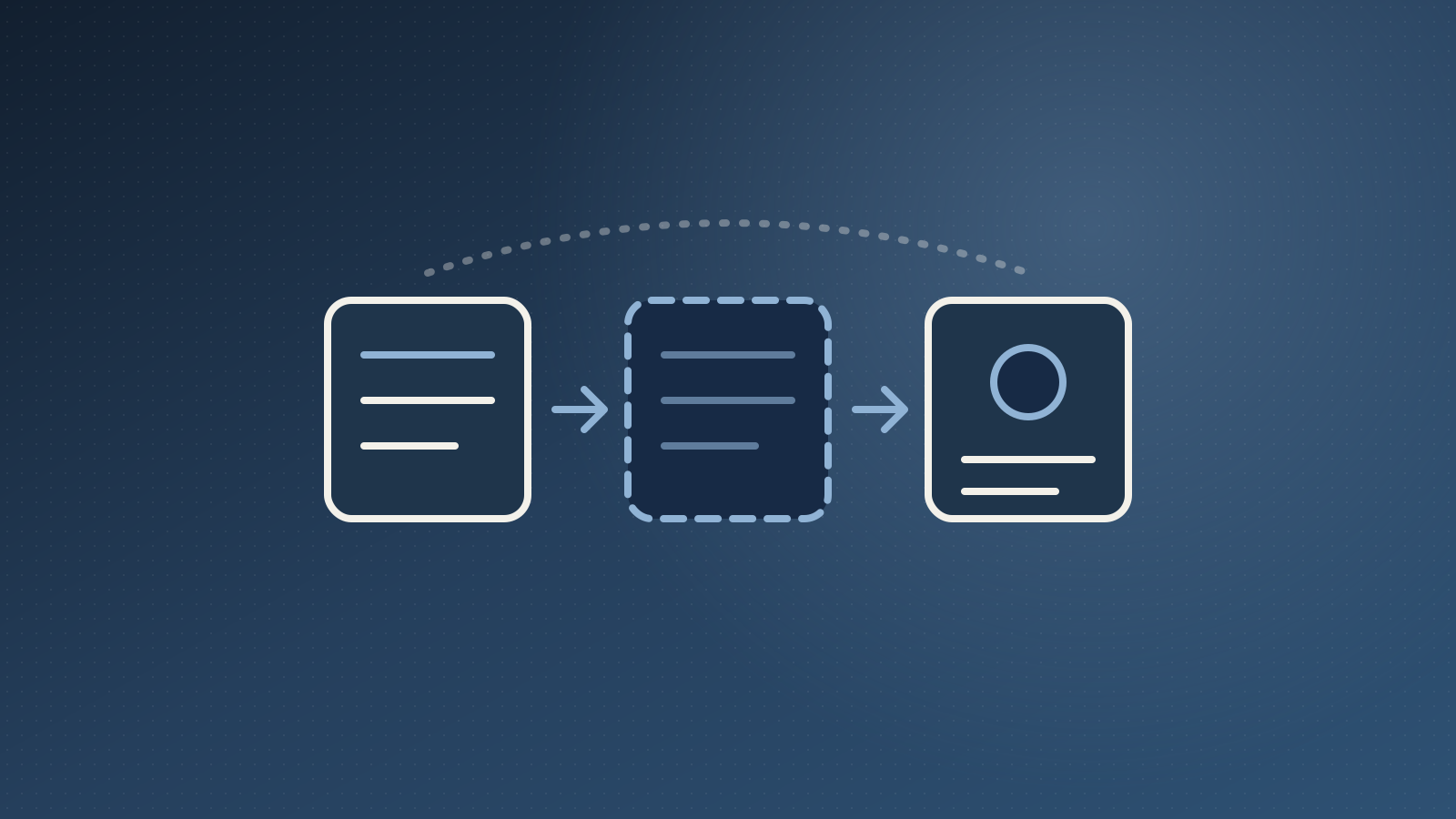
A WordPress redirect chain can send visitors to the wrong page, and the redirect list will not warn you. I ran into this on a site where an old blog URL was set to redirect to a new service page. The rule looked correct, yet real visitors from Google kept landing on an unrelated blog post.
Nothing was broken in the usual sense. No error, no loop, no 404. The redirect simply ended somewhere I never chose. Here is the order I use to trace a chain like this, and what I found at the end of it.
What a WordPress redirect chain is
A redirect chain happens when one URL redirects to a second URL, and that second URL redirects again. Visitors and search engines follow every hop. The 301 status code means "moved permanently", so each hop is a permanent decision someone, or something, made.
The problem is that not every hop comes from a rule you wrote. Some come from settings that guess for you. That is where my wrong landing page came from.
1. Trace every hop, not just the first
Do not trust the rule you can see. Open the old URL and follow the full path of redirects, hop by hop, until a page finally loads. A browser extension or the network tab in developer tools will show each step.
In my case there were two hops, not one:
- The old blog URL went to the new service page. That was my manual rule.
- The new service page URL then redirected to a different blog post.
The second hop is the one nobody had planned. Without tracing the whole path, I would have declared the rule "working" and moved on.
2. Read the redirect log
Most redirect plugins keep a log of hits. Open it and search for the old URL. It shows which redirects fired, how often, and from where.
Two things helped here. The log listed both hops, so I knew the second one was real and not a browser cache effect. It also showed real visitors arriving from Google, which meant this was costing traffic, not just a cosmetic problem.
3. Check the manual rules list
Next, search your manual redirect rules for the URL where the chain ended. I looked for any rule that sent traffic to the wrong blog post. There was none.
That result matters. If no rule points to the wrong page, a rule is not the cause, and you can stop editing rules and start looking at settings.
4. Look for automatic redirect settings
Many redirect plugins include a setting that sends a missing URL to the closest match. In the plugin I was using it is called "Autoredirect 404", and it was ticked.
The idea is helpful. When a visitor opens a URL that does not exist, the plugin looks for a page with a similar slug and redirects there instead of showing a 404. The risk is the word "similar". If the real page is missing, the plugin picks the next closest slug, and that can be a completely different topic.
This is a hidden second hop. It is not in your rules list, so it never appears when you review redirects.
5. Check the destination really exists
Now ask the simple question I should have asked first: does the destination URL load? I opened it directly. It redirected, one hop, to the wrong blog post. So the destination was behaving like a missing page.
I checked how WordPress saw it. The REST API showed no published page with that slug. The page existed only as a draft, and its slug ended in a leftover suffix from the copy it was built from. The URL in my rule was never live, so the automatic setting stepped in and guessed.
That is the root cause: a draft page with the wrong slug, plus an automatic setting that hid the problem. The redirect rule itself was fine.
6. Fix the cause, then test
The fix is two small changes on the page, not a new redirect:
- Correct the slug so it matches the URL in the rule.
- Publish the page.
After that, test the old URL in a private window. It should land on the new page in a single hop. If you see a second hop, repeat the trace from step 1.
I did not change the automatic setting. It affects the whole site, so I would check 404 reports first before turning it off. That is a separate decision from this fix.
Check the sibling pages too
This kind of mistake rarely happens once. When pages are built from drafts, several can share the same leftover slug pattern, and each redirect pointing at them can end up somewhere wrong. I listed the other similar pages and their redirect rules as a follow-up check.
A quick way to catch them all is to list your redirect rules, open each destination, and confirm it loads with a 200 and not a redirect. Google also advises keeping redirect paths short, so fewer hops is better anyway. Their guide on redirects and Google Search is worth a read.
Keep redirects honest
Redirects are cheap to add and easy to forget. A few habits keep them reliable:
- Publish the destination page before you add the rule.
- Test every new rule in a private window.
- Review the redirect log monthly for hops you did not plan.
- Be careful with any setting that guesses a destination for you.
The same step-by-step habit helps with other server-side surprises too. My guide to fixing a WordPress 503 error uses the same idea: rule out the cheap causes first, then look deeper.
Need a hand with redirects after a site move?
Redirect problems often show up after a redesign or a content migration, when old URLs quietly lose traffic. If you want someone to audit your redirects and keep them clean, see my WordPress maintenance service, read how I build SEO-ready websites, or get in touch and tell me what you are seeing.