
How to Migrate Cowork Projects and Skills to Claude
Learn how to migrate Cowork projects to Claude: which files to move, what to skip, and the folder-search mistake that cost me several minutes.
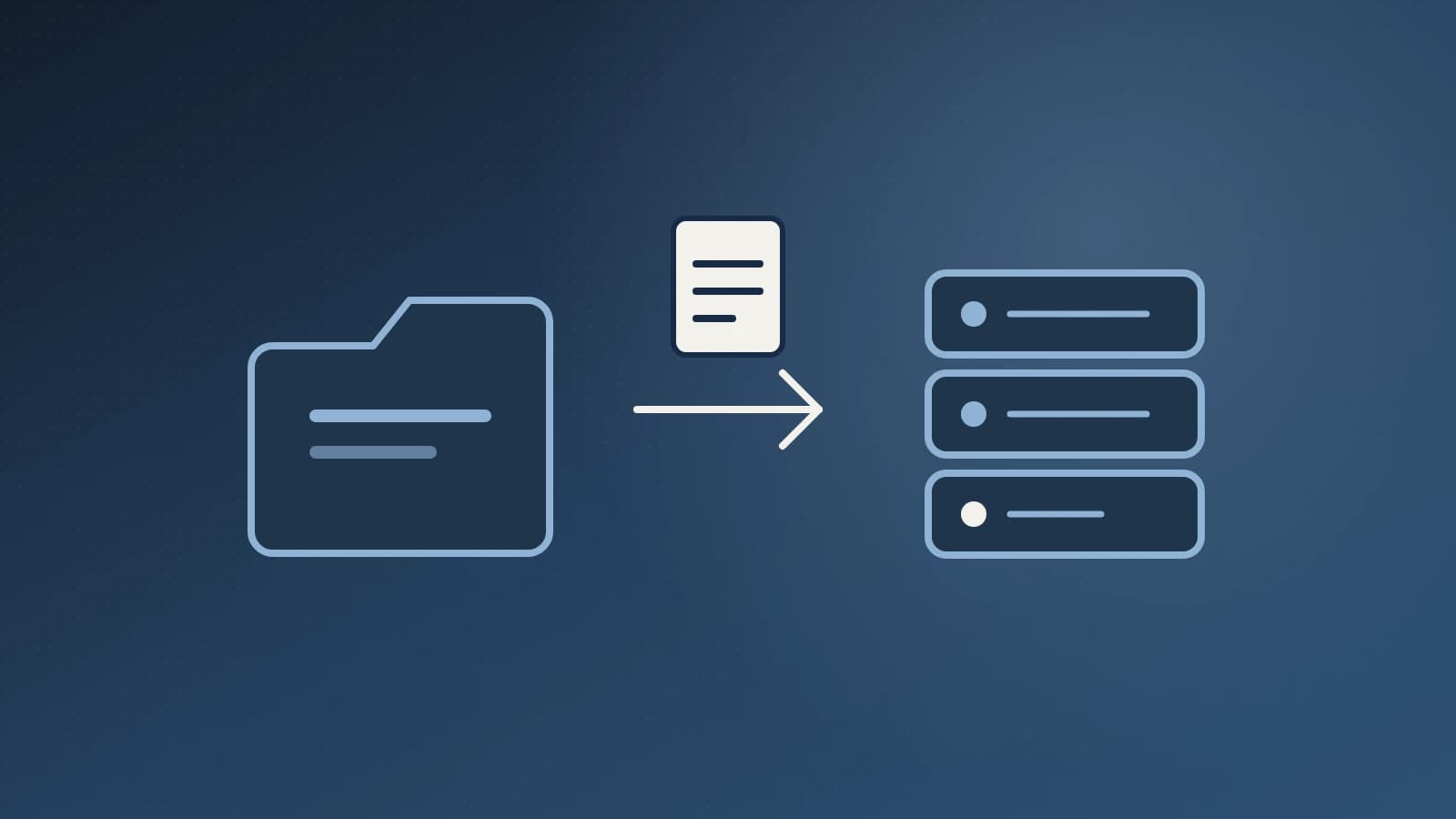
If you want to migrate Cowork projects to Claude, start by finding the instruction files, not the whole project folder. Each project is a folder, and the part worth moving is one small Markdown file. Skills are separate: they travel as zip files with a single SKILL.md inside. I prepared five projects and two skills for the move this way, and the whole job came down to reading about ten small files.
1. Search one folder, not the whole drive
My first attempt was a recursive search for every SKILL.md across my work folder and my app data folder. It ran for several minutes and returned nothing. Four searches in parallel made it worse.
The fix was to stop searching and name the exact folder. Once I pointed at the Projects folder, a single recursive listing returned about 490 entries in one call. Almost all of them were working files from one busy project: scripts, CSVs, runbooks and zips.
Rule I now follow: list one known folder first, then read only what the listing shows.
2. Find the real instruction files
Each project folder held an AGENTS.md file. In my case the first line of each was Imported Claude Cowork project instructions. That file is the project's custom instructions, and it is the one thing you need to recreate the project elsewhere.
Some folders also held a CLAUDE.md. That one is working memory the assistant wrote about me, such as preferences and standing rules. One project had both files, and they did not match. So I treated them as two different things:
| File | What it holds | Move it? |
|---|---|---|
AGENTS.md | Role, tone, rules for the project | Yes, as project instructions |
CLAUDE.md | Saved preferences and memory | Review first, then merge what still applies |
| Everything else | Scripts, exports, drafts | Only if you want it as project knowledge |
The folder names also tell you the intent. Mine were named by job, such as a task manager, a content drafter and a documentation writer. That made it easy to match each file to a project name in the new account.
Two of the seven folders had a stub AGENTS.md with no real instructions. I skipped them rather than create empty projects.
3. Read the skills before you save them
Two skills sat in a skills folder as zip files. A skill zip is just a folder with a SKILL.md. I unzipped each one in a scratch directory and read the full text before doing anything with it.
That check paid off. My account already had one skill with a similar name. The two zips were not duplicates of it. They were two variants of the same idea: a standard post and a stricter version with extra publishing checks. So I saved both as new skills instead of overwriting the old one.
A second check is the description line at the top of each SKILL.md. It decides when the skill triggers, so two skills with near-identical descriptions can compete. Mine each say which variant to use for which job, which keeps them apart.
4. Migrate Cowork projects by hand and skills by review
Here is where I hit a hard limit. I could not create a Claude Project from my tools. Projects have to be made in the app, and the instructions pasted in.
Skills were easier. I proposed each one, and a review card let me save it. I did not copy files into a skills folder, because that folder is a read-only cache and edits there do nothing.
So the practical split is:
- Package the instruction files into one zip, one file per project, named after the project, so they are easy to paste.
- Create each project in the app and paste its
AGENTS.mdas the instructions. - Save each skill from the review card.
- Re-attach only the working files you still need.
What I'd do differently
I would also write down, before starting, what counts as done. For me it was simple: every project has its instructions in the new account, and every skill is saved or deliberately skipped.
I would skip the drive-wide search entirely and ask for access to the one folder that matters. I lost several minutes to timeouts that a single named path would have avoided.
I would also compare AGENTS.md and CLAUDE.md before copying anything. The mismatch in one project showed that the two files drift apart over time. Pasting the wrong one would have restored outdated rules.
Key takeaways
- A project's custom instructions live in one small
AGENTS.mdfile. - Skills are zips containing a
SKILL.md. Read them before saving. - List a single known folder instead of searching your whole drive.
- Projects must be recreated by hand. Skills can be saved from a review card.
- Leave the bulk of your working files behind unless you need them as knowledge.
If you want help moving repeatable work into assistants and automations, see my AI-assisted development and n8n automation service. I also wrote about automating website backups with n8n, which uses the same "check first, then act" habit. Ready to talk through your own setup? Get in touch.
For product details, check the official Claude help center and the Claude developer docs.