
Automating Website Backups with n8n
How to use n8n to back up a website on a schedule, store copies off the server and get notified when something fails, with no manual work.
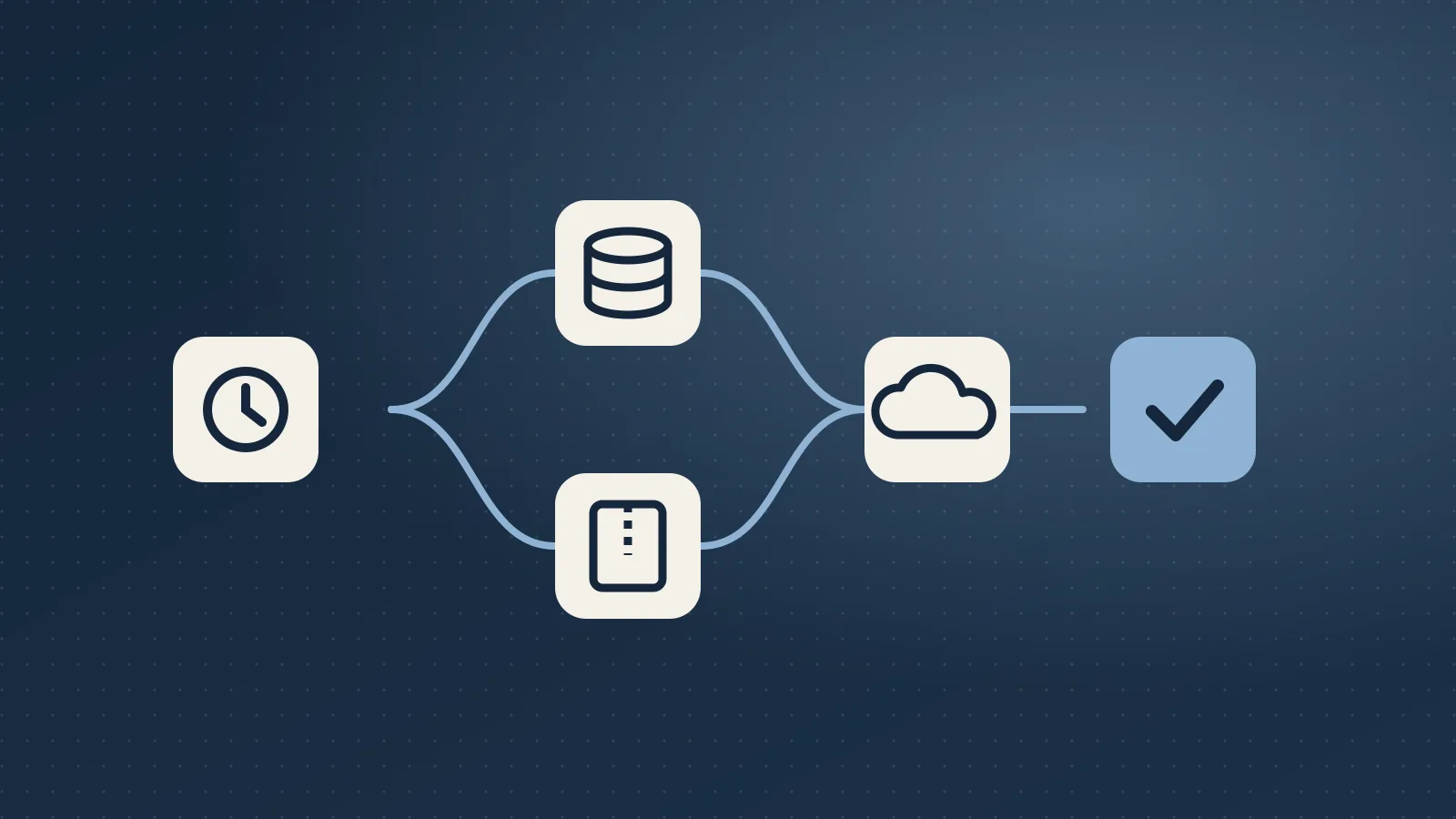
Backups are the kind of task everyone agrees is important and nobody enjoys doing by hand. That's exactly what automation tools like n8n are for. Here's how I set up a "set it and forget it" backup workflow.
The workflow at a glance
- Schedule trigger: runs every night (or every month for an archive).
- Export the database: a secure command or plugin endpoint creates a fresh SQL dump.
- Archive the files: uploads, themes and plugins get zipped.
- Upload off-site: both files go to cloud storage such as Google Drive or S3.
- Notify: a short message confirms success, or raises an alert if any step failed.
Why off-site matters
If backups live on the same server as the website, a server failure or hack can take out both. Storing them in a separate cloud account means you can always rebuild.
Keep it tidy
Backups pile up quickly. Add a step that deletes copies older than your retention period, for example 30 daily copies plus one copy per month for a year.
Always handle failures
The most dangerous backup is the one that silently stopped working months ago. In n8n, add an error workflow that sends an email or chat message whenever any step fails. Then you only hear about backups when something needs your attention.
Test the restore
Once a quarter, take the latest backup and restore it to a staging site. It takes 15 minutes and turns "I think we have backups" into "I know we can recover."
Automations like this run quietly in the background for years. A few hours of setup can save a business from its worst day.
Frequently asked questions
What steps does an n8n website backup workflow need?
Five: a schedule trigger that runs every night (or monthly for an archive), a database export that creates a fresh SQL dump, a zip of the uploads, themes and plugins, an upload of both files to off-site cloud storage such as Google Drive or S3, and a short notification that confirms success or raises an alert if any step failed.
Why should website backups be stored off the server?
If backups live on the same server as the website, a server failure or hack can take out both. Storing them in a separate cloud account means you can always rebuild the site, even if the original hosting account is gone.
How many backup copies should I keep?
Backups pile up quickly, so add a step that deletes copies older than your retention period. The example I use is 30 daily copies plus one copy per month for a year. Adjust it to how often your content changes and how much storage you want to pay for.
How do I know my automated backup hasn't silently stopped working?
Add an error workflow in n8n that sends an email or chat message whenever any step fails. The most dangerous backup is the one that stopped working months ago without anyone noticing, so this way you only hear about backups when something needs your attention.
How often should I test restoring a backup?
Once a quarter. Take the latest backup and restore it to a staging site. It takes about 15 minutes and turns "I think we have backups" into "I know we can recover."